AccessoriesWindows ErrorsFix USB Ports Not Working Issue on Windows 10/11Jane He5.6kThe USB port is an important device for a desktop and laptop. It allows you to connect all the USB...
Windows ErrorsFix Sound Icon Missing on Windows 10/11Jane He5.9kContents: Sound Icon Missing Overview Why is the Volume Icon Missing from Windows 10? How to Fix Sound Icon Missing...
AccessoriesWindows ErrorsSolved: Unable to Start Dolby Audio Driver on Windows 10/11Jane He6kWhen the Dolby advanced audio error that Unable to start the Dolby audio driver, please restart the computer or reinstall...
NetworkWindows ErrorsHow to Fix Wi-Fi Connection Errors on Windows 10/11Jane He3.9kContents: WIFI Connection Overview Solution 1: Update wireless adapter driver Solution 2: Check IP Address on Windows 10 WIFI Connection...
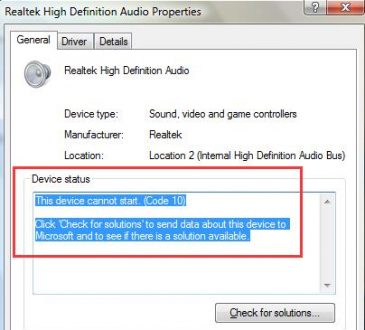
Windows ErrorsFix High Definition Audio Device Code 10 Error on Windows 10/11Jane He6.3kThough code 10 error: this device cannot start, can happen to any hardware device, but most of the cases occur...
Windows Errors7 Ways to Fix PC No Sound Issue on Windows 10/11Jane He5.1kWith regard to the reason why Windows 10 has no sound, it can be divided into two parts -- faulty...
AccessoriesWindows ErrorsFixed: Logitech Camera Not Working on Windows 11/10Jane He9.5kAfter upgrading to Windows 10 or Windows 11, the Logitech USB cameras such as BRIO webcam, or the C930, C920...
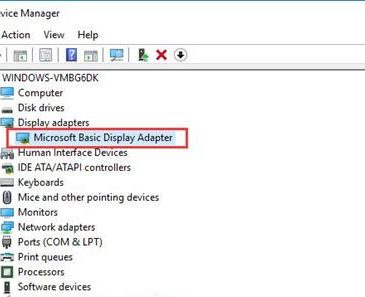
AccessoriesWindows Errors[Solved] Microsoft Basic Display Adapter Issue on Windows 10/11Brian Peng8.3kContents: Microsoft Basic Display Adapter Overview What does Microsoft Basic Display Adapter do on Windows 10? How to Fix Microsoft...
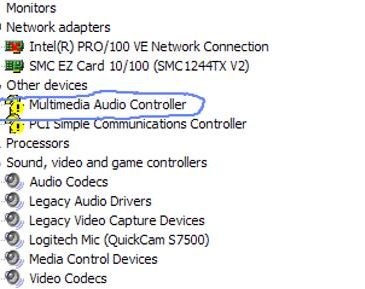
AccessoriesWindows ErrorsMultimedia Audio Controller Driver is missing on Windows 10/11Jane He7.9kContents: Multimedia Audio Controller Driver OverviewWhat is Multimedia Audio Controller?How to Fix Multimedia Audio Controller Driver Error on Windows 10/11...
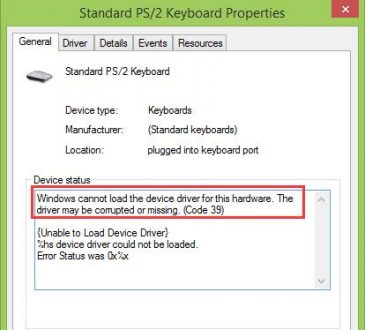
Windows ErrorsFix Code 39 Error for Keyboard on Windows 10/11Brian Peng5.5kContents: Code Error 39 Overview Solution 1: Uninstall the Keyboard Driver Solution 2: Update the Keyboard driver Solution 3: Edit...